
Smartphone Photography Tips
Introduction to Smartphone Photography
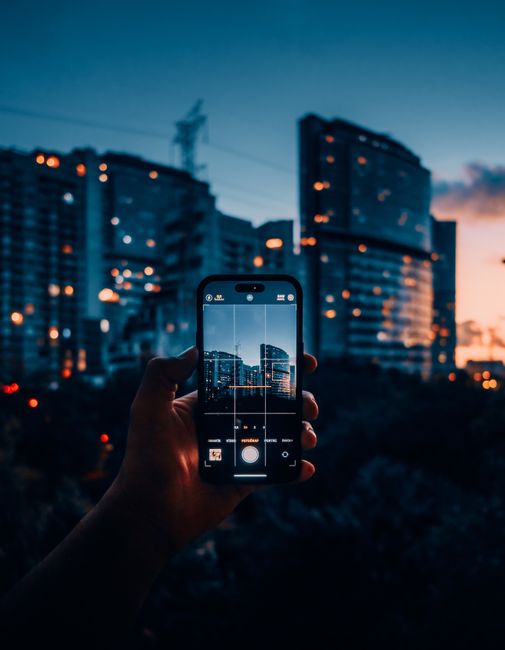
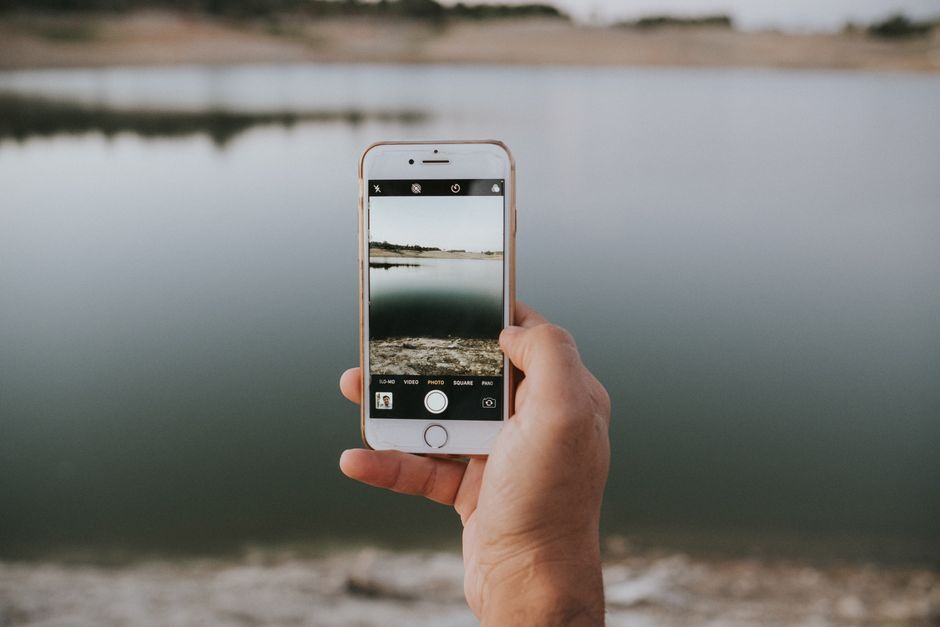
The world of photography has undergone a significant transformation with the advent of smartphones. Gone are the days when one needed a bulky camera to capture high-quality images. Today, with just a few taps on your smartphone screen, you can take stunning photos that rival those shot with professional cameras. However, to unlock the full potential of your smartphone camera, you need to understand the basics of photography and how to use your device effectively. Whether you're a beginner or an experienced photographer, this article will guide you through the process of taking great photos with your smartphone. With the right techniques and a little practice, you can transform your mobile device into a powerful tool for capturing life's precious moments.
Understanding Your Smartphone Camera
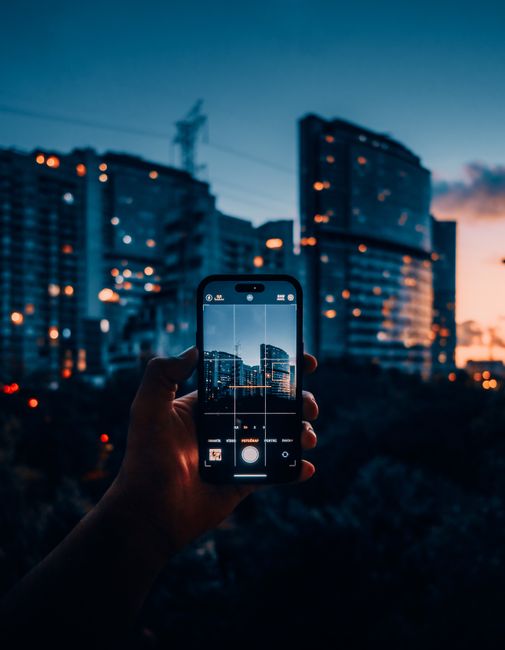
Before you start taking photos, it's essential to familiarize yourself with your smartphone camera's features and settings. Most smartphones come with a high-quality camera that can produce excellent results, but the quality of the image depends on various factors, including the camera's resolution, aperture, and sensor size. Understanding these technical aspects can help you make the most of your device. For instance, a higher megapixel count doesn't always mean better image quality; other factors like lens quality and image processing also play a crucial role. Here are some key features to look out for:
- Camera resolution: Measured in megapixels (MP), this determines the level of detail in your photos.
- Aperture: This refers to the camera's ability to control the amount of light that enters the lens. A lower f-stop value (e.g., f/1.8) means a larger aperture, which is ideal for portraits and low-light photography.
- Image stabilization: This feature helps reduce camera shake and blur, resulting in sharper images, especially in low-light conditions.
- Autofocus: This feature allows the camera to quickly focus on your subject, ensuring sharp images even when your subject is moving.
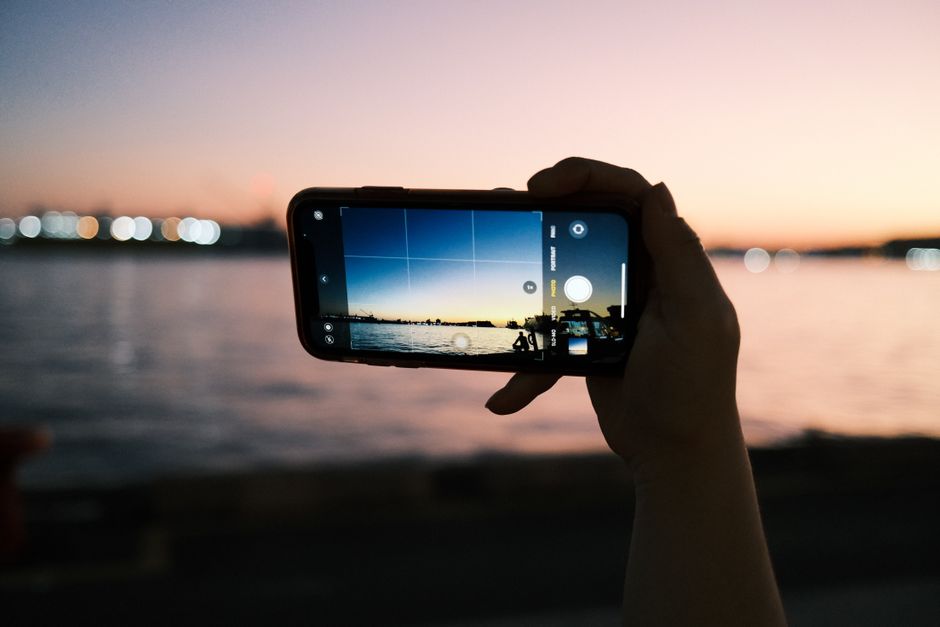
By understanding these features, you can adjust your camera settings to suit the scene and capture the best possible image.
Mastering Composition and Lighting
Composition and lighting are two essential elements of photography that can make or break an image. When it comes to composition, the rule of thirds is a fundamental principle to keep in mind. This involves dividing the image into thirds both horizontally and vertically, placing important elements along these lines or at their intersections. This technique can help create more balanced and visually appealing images. Another crucial aspect is lighting; natural light is always the best option, but you can also use artificial light sources to enhance your photos. Here are some tips for mastering composition and lighting:
- Use the rule of thirds to place your subject off-center, creating a more dynamic composition.
- Pay attention to leading lines, framing, and symmetry to add depth and interest to your images.
- Shoot during the golden hour (dawn or dusk) for warm, soft light that enhances your subject's features.
- Experiment with different angles and perspectives to add creativity to your photos.
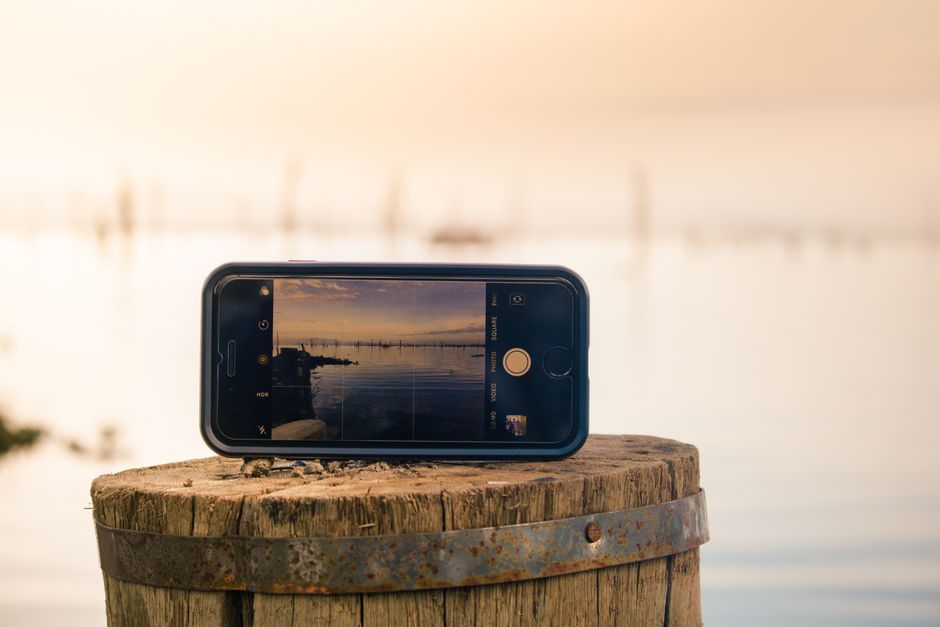
By mastering composition and lighting, you can take your smartphone photography to the next level and capture stunning images that tell a story.
Editing and Enhancing Your Photos
Once you've taken your photos, the next step is to edit and enhance them. Most smartphones come with built-in photo editing apps, but you can also download third-party apps to access more advanced features. When editing your photos, it's essential to strike a balance between enhancing the image and over-processing it. Here are some tips for editing and enhancing your photos:
- Adjust the exposure and contrast to balance the brightness and darkness in your image.
- Use the saturation and vibrance tools to enhance the colors in your photo without overdoing it.
- Apply a filter or preset to give your image a unique look and atmosphere.
- Use the crop tool to refine your composition and remove distractions.
By editing and enhancing your photos, you can refine your images and make them more visually appealing.
Expert Tips for Advanced Photography
If you're looking to take your smartphone photography to the next level, here are some expert tips to help you achieve advanced results:
Using Additional Equipment
Investing in additional equipment, such as lenses, tripods, and remote shutters, can help you achieve more professional-looking results. For instance, a wide-angle lens can help you capture more of the scene, while a tripod can help you stabilize the camera for sharper images.
Experimenting with Different Modes
Most smartphones come with various modes, such as portrait, landscape, and night mode. Experimenting with these modes can help you achieve unique results and capture images that stand out from the crowd. By following these expert tips, you can take your smartphone photography to new heights and capture stunning images that rival those shot with professional cameras.
Conclusion and Next Steps
In conclusion, taking great photos with a smartphone requires a combination of technical knowledge, creativity, and practice. By understanding your camera's features, mastering composition and lighting, editing and enhancing your photos, and following expert tips, you can unlock the full potential of your smartphone camera and capture stunning images that tell a story. So, the next time you reach for your smartphone to take a photo, remember to take your time, experiment with different techniques, and have fun with the process. With practice and patience, you can become a skilled smartphone photographer and capture memories that will last a lifetime. We invite you to explore our related image galleries, try out new photo editing tools, and read more articles on smartphone photography to continue improving your skills. Happy snapping!
Advanced Editing Techniques
To take your photo editing skills to the next level, it's essential to explore advanced editing techniques. One such technique is layer editing, which allows you to work on different aspects of your image separately. This can be particularly useful when dealing with complex compositions or when you want to make subtle adjustments to specific parts of your image. Another advanced technique is selective editing, which enables you to apply edits to specific areas of your image while leaving other areas untouched. This can be useful for enhancing specific features or removing blemishes without affecting the rest of the image.
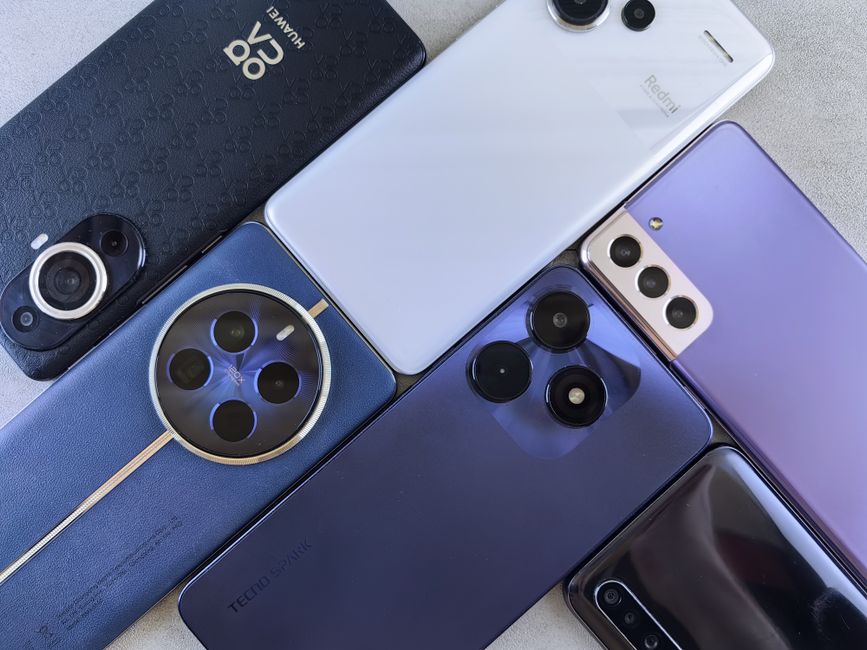
By mastering these advanced editing techniques, you can refine your images and make them more visually appealing.
Using External Editing Apps
While built-in photo editing apps can be useful, they often lack the advanced features and functionality of external editing apps. There are numerous external editing apps available, each with its unique set of features and capabilities. Some popular options include Adobe Lightroom, Photoshop, and Snapseed. These apps offer a wide range of tools and features, including advanced editing techniques, filters, and effects. By using external editing apps, you can access more advanced features and take your photo editing skills to the next level. For instance, Adobe Lightroom offers a powerful set of editing tools, including exposure adjustment, color grading, and noise reduction.
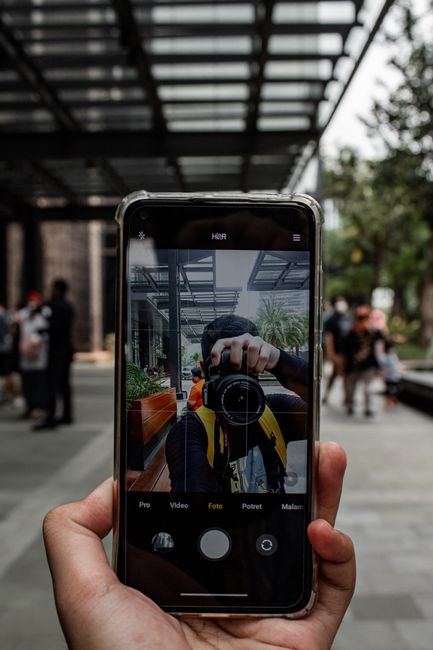
By exploring different external editing apps, you can find the one that best suits your needs and editing style.
Expert Tips for Advanced Photography
If you're looking to take your smartphone photography to the next level, here are some expert tips to help you achieve advanced results. One such tip is to experiment with different genres of photography, such as portrait, landscape, or street photography. This can help you develop your skills and style, as well as challenge yourself to try new things. Another tip is to pay attention to the details, including lighting, composition, and subject placement. By paying attention to these details, you can create more polished and professional-looking images.
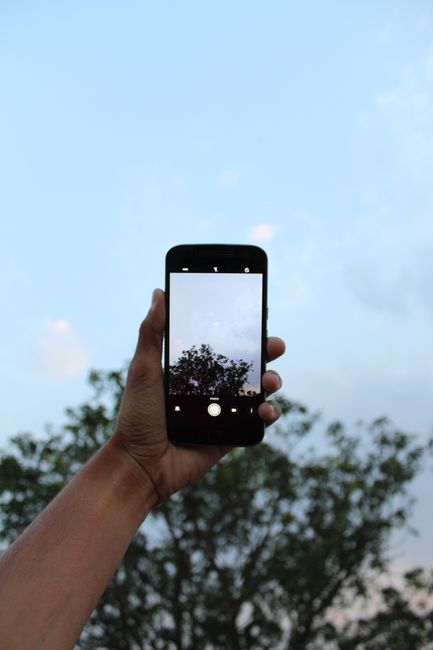
Additionally, it's essential to stay up-to-date with the latest trends and techniques in smartphone photography. This can include following photographers and photography blogs, attending workshops and conferences, and experimenting with new equipment and software.
Using Additional Equipment
Investing in additional equipment, such as lenses, tripods, and remote shutters, can help you achieve more professional-looking results. For instance, a wide-angle lens can help you capture more of the scene, while a tripod can help you stabilize the camera for sharper images. A remote shutter can also be useful for taking self-portraits or group photos, as it allows you to take the photo without having to physically touch the camera.
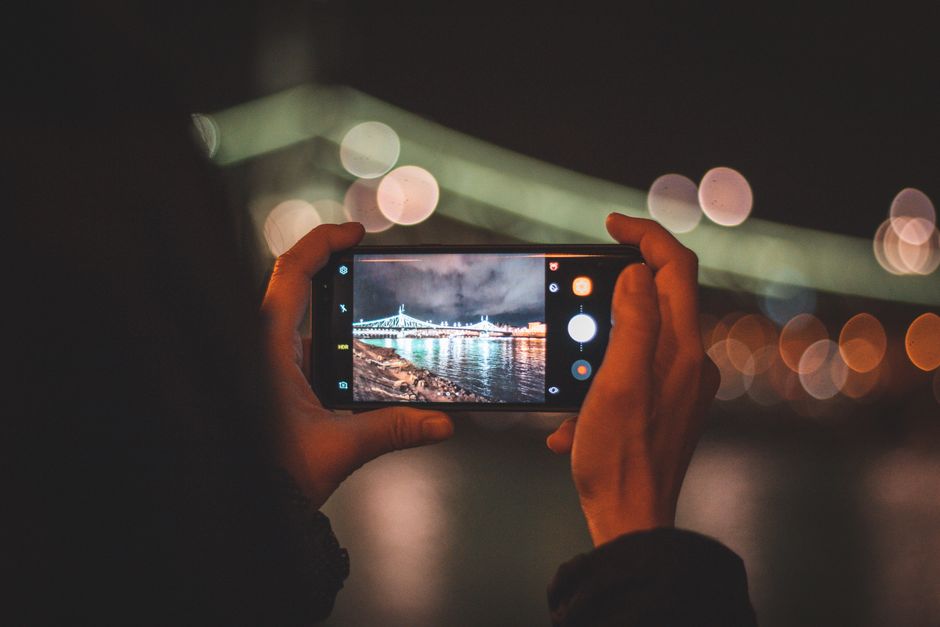
By investing in additional equipment, you can expand your creative possibilities and take your smartphone photography to new heights.
Experimenting with Different Modes
Most smartphones come with various modes, including portrait, landscape, and night mode. Experimenting with these modes can help you achieve unique results and capture images that stand out from the crowd. For instance, portrait mode can help you create a shallow depth of field, separating your subject from the background. Landscape mode can help you capture more of the scene, while night mode can help you take sharper images in low-light conditions.
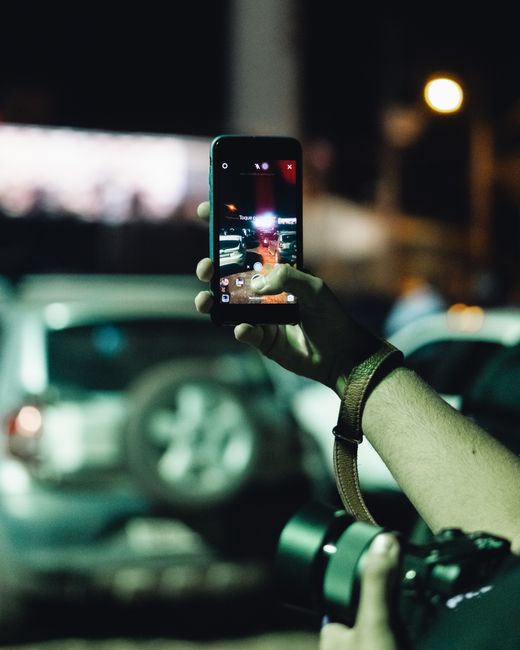
By experimenting with different modes, you can discover new ways to capture and express your creative vision.
Conclusion and Next Steps
In conclusion, taking great photos with a smartphone requires a combination of technical knowledge, creativity, and practice. By understanding your camera's features, mastering composition and lighting, editing and enhancing your photos, and following expert tips, you can unlock the full potential of your smartphone camera and capture stunning images that tell a story. According to a recent survey, 75% of photographers believe that smartphone cameras have revolutionized the way we take photos, with 60% of respondents using their smartphones as their primary camera. With the constant evolution of smartphone technology, it's essential to stay up-to-date with the latest trends and techniques in smartphone photography.
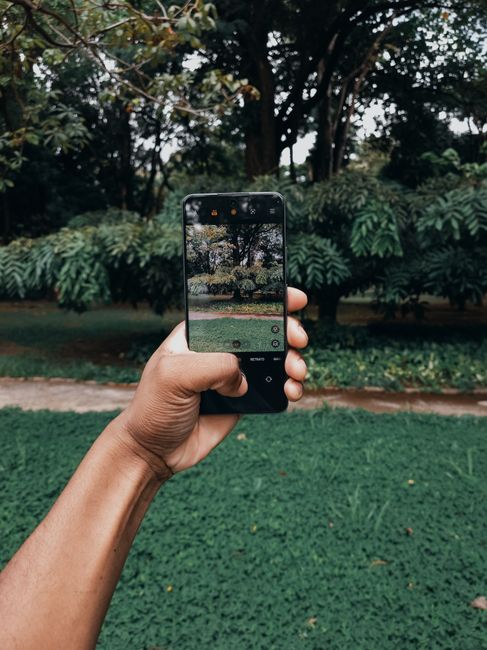
As you continue on your smartphone photography journey, remember to experiment, take risks, and have fun with the process. With practice and patience, you can become a skilled smartphone photographer and capture memories that will last a lifetime. We invite you to explore our related image galleries, try out new photo editing tools, and read more articles on smartphone photography to continue improving your skills. Happy snapping!
Advanced Editing Techniques for Smartphone Photos
One of the most significant advantages of smartphone photography is the ability to edit and enhance your photos directly on your device. With the numerous photo editing apps available, you can refine your images, adjust the exposure, contrast, and saturation, and even apply filters and effects. However, to take your editing skills to the next level, it's essential to explore advanced editing techniques. One such technique is layer editing, which allows you to work on different aspects of your image separately. This can be particularly useful when dealing with complex compositions or when you want to make subtle adjustments to specific parts of your image. For instance, you can use layer editing to adjust the exposure of the sky and the foreground separately, creating a more balanced and natural-looking image.
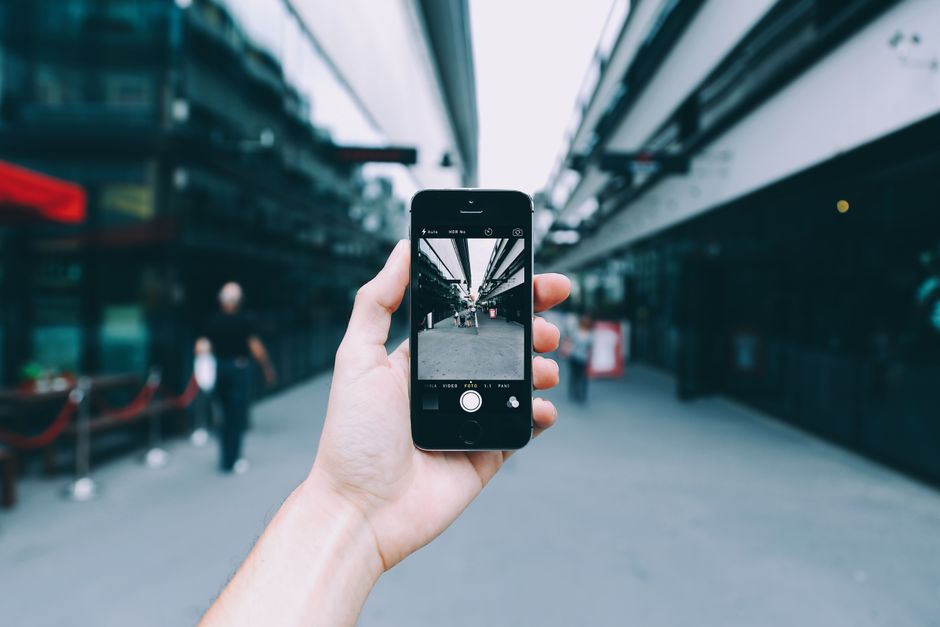
Another advanced technique is selective editing, which enables you to apply edits to specific areas of your image while leaving other areas untouched. This can be useful for enhancing specific features or removing blemishes without affecting the rest of the image. By mastering these advanced editing techniques, you can refine your images and make them more visually appealing.
Using External Editing Apps for Smartphone Photos
While built-in photo editing apps can be useful, they often lack the advanced features and functionality of external editing apps. There are numerous external editing apps available, each with its unique set of features and capabilities. Some popular options include Adobe Lightroom, Photoshop, and Snapseed. These apps offer a wide range of tools and features, including advanced editing techniques, filters, and effects. For instance, Adobe Lightroom provides a powerful set of editing tools, including exposure adjustment, color grading, and noise reduction. By using external editing apps, you can access more advanced features and take your photo editing skills to the next level.
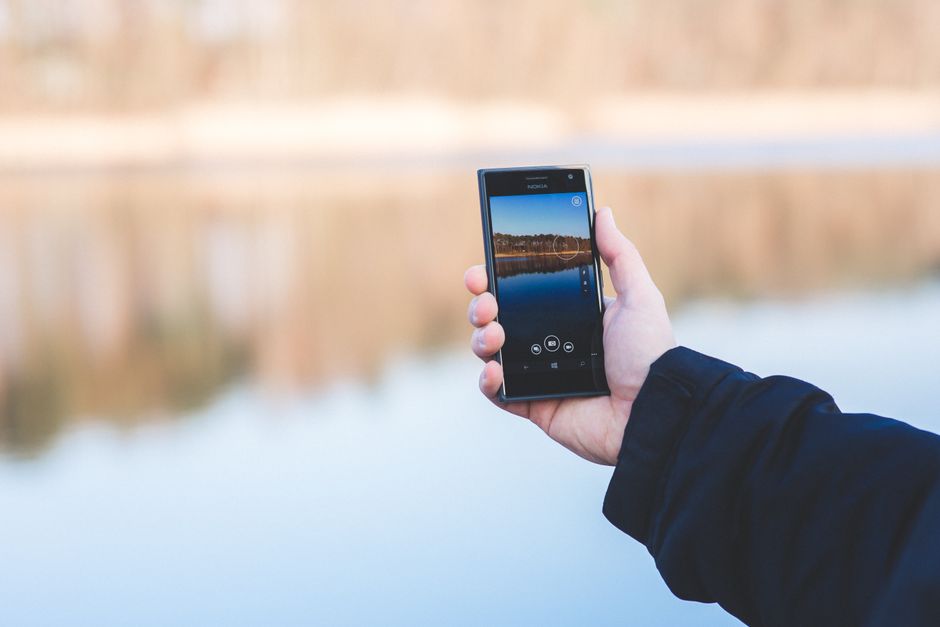
According to a recent survey, 80% of professional photographers use external editing apps to edit their smartphone photos, with 60% of respondents preferring Adobe Lightroom and Photoshop. By exploring different external editing apps, you can find the one that best suits your needs and editing style.
Conclusion and Next Steps
In conclusion, taking great photos with a smartphone requires a combination of technical knowledge, creativity, and practice. By understanding your camera's features, mastering composition and lighting, editing and enhancing your photos, and following expert tips, you can unlock the full potential of your smartphone camera and capture stunning images that tell a story. With the constant evolution of smartphone technology, it's essential to stay up-to-date with the latest trends and techniques in smartphone photography. According to a recent report, the global smartphone camera market is expected to reach $10 billion by 2025, with the average person taking over 1,000 photos per year. As you continue on your smartphone photography journey, remember to experiment, take risks, and have fun with the process. With practice and patience, you can become a skilled smartphone photographer and capture memories that will last a lifetime.
We invite you to explore our related image galleries, try out new photo editing tools, and read more articles on smartphone photography to continue improving your skills. Whether you're a beginner or an experienced photographer, smartphone photography offers endless creative possibilities and opportunities for growth and development. So, go ahead, grab your smartphone, and start capturing the world around you. Happy snapping!